termimage/lib.rs
1//! Display images in your terminal, kind of
2//!
3//! 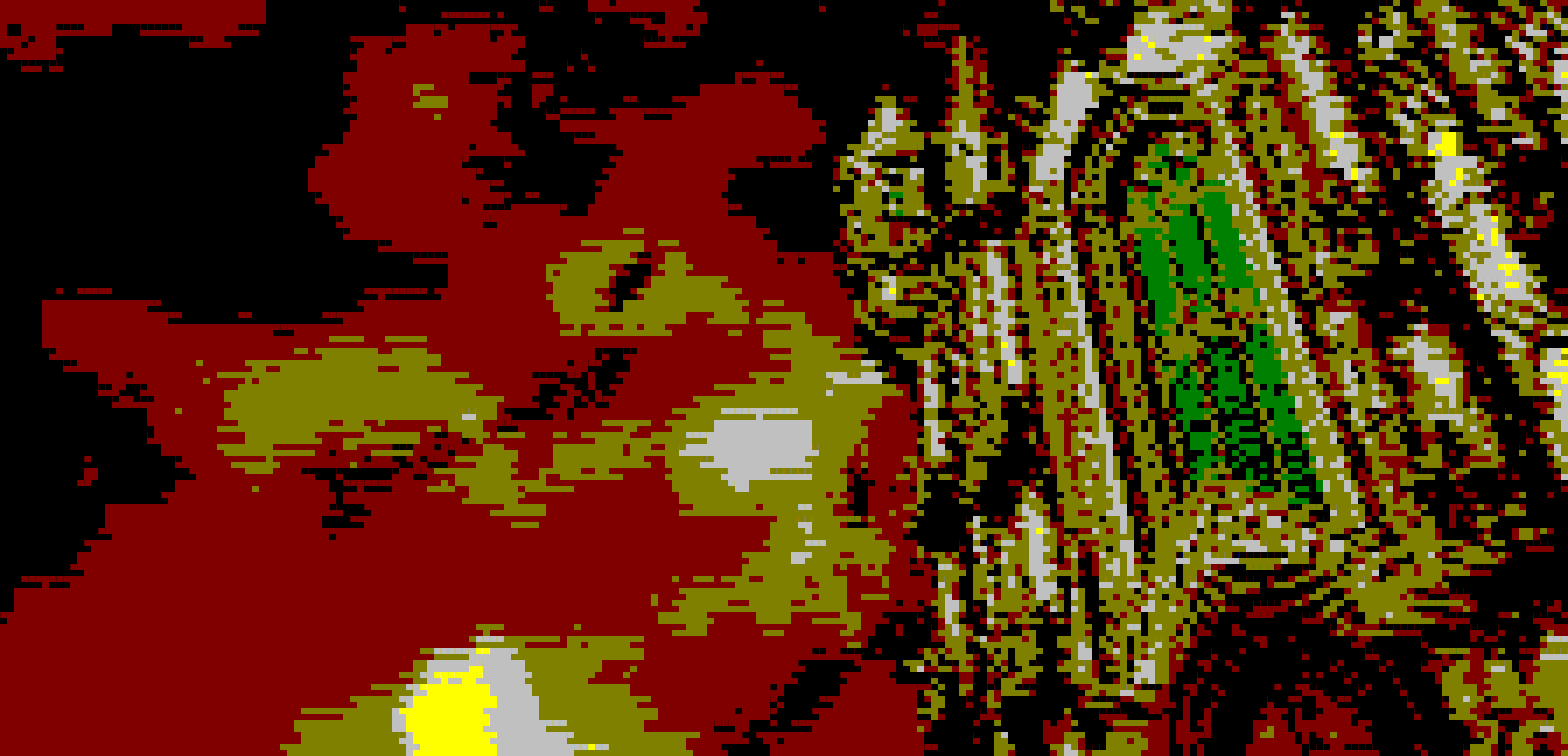
4//! 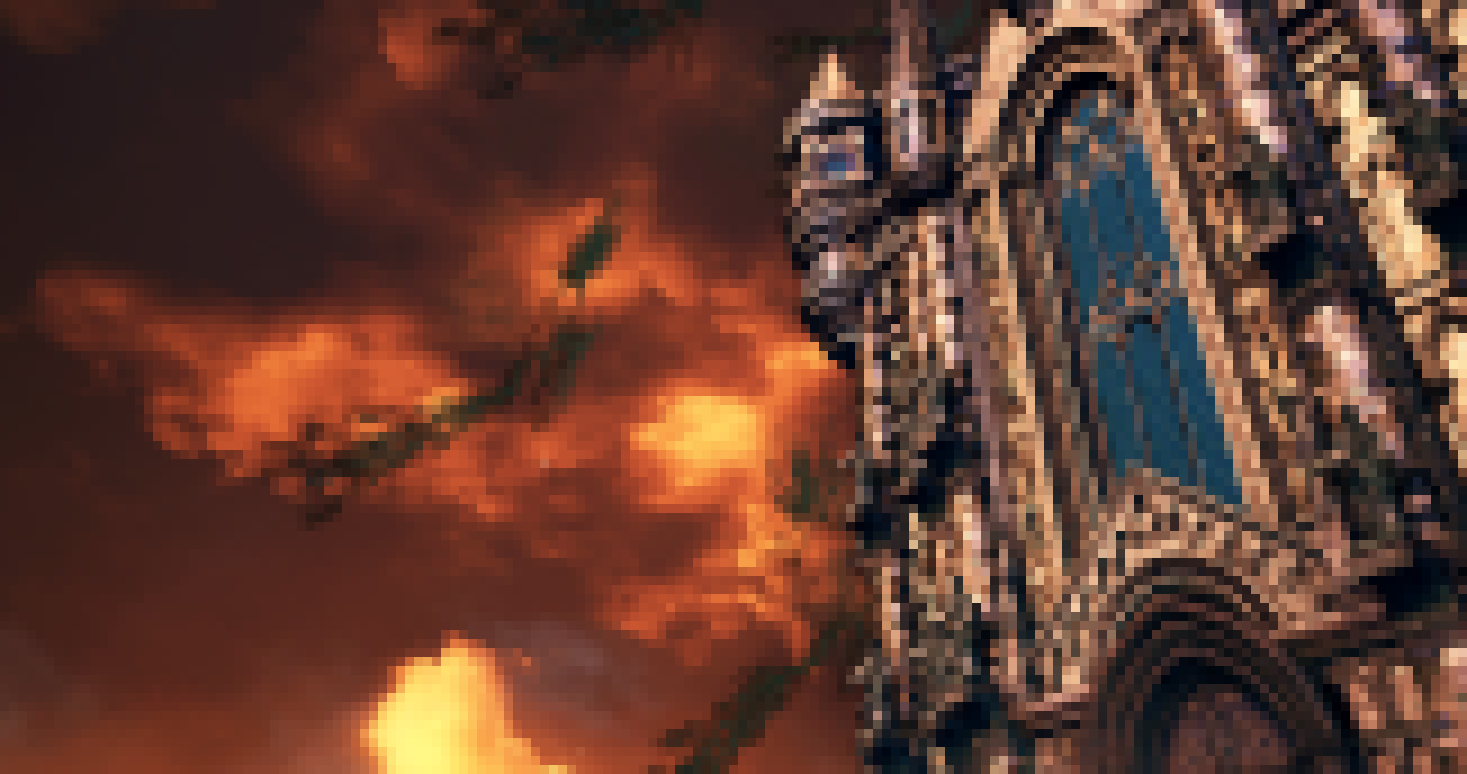
5//! 
6//! 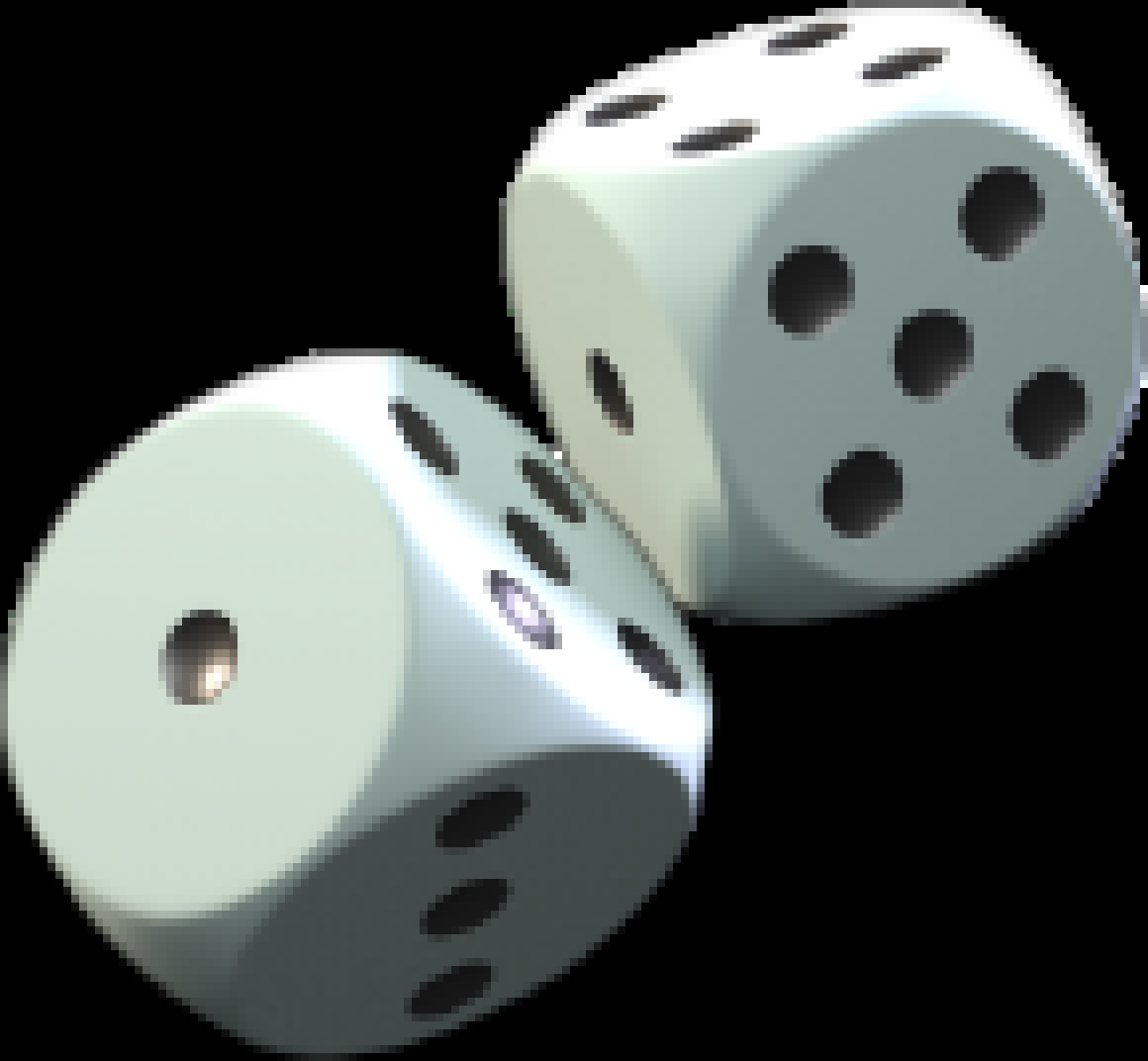
7//!
8//! # Special thanks
9//!
10//! To all who support further development on [Patreon](https://patreon.com/nabijaczleweli), in particular: //!
11//!
12//! * ThePhD
13//!
14//! # Library doc
15//!
16//! This library is used by `termimage` itself for all its function and is therefore contains all necessary functions.
17//!
18//! ## Data flow
19//!
20//! ```plaintext
21//! Options::parse()
22//! |> guess_format()
23//! |> load_image()
24//! |> image_resized_size()
25//! |> resize_image()
26//! |> write_[no_]ansi[_truecolor]()
27//! ```
28//!
29//! ### Prose explanation
30//!
31//! First, get an `Options` instance, be it via a struct-literal or `Options::parse()`;
32//! or don't and just create the individual arguments manually.
33//!
34//! Then, use `ops::load_image()`. If you know your image's format, great. If you don't, get it via `ops::guess_format()`.
35//!
36//! After that resize the image to an output-ready size provided by `ops::image_resized_size()` with `resize_image()`.
37//! `ops::image_resized_size()` takes into consideration using two pixels per cell in the output functions,
38//! so the size it returns is twice as tall as the terminal output size passed to it.
39//!
40//! Finally, call `ops::write_ansi()`/`ops::write_ansi_truecolor()`/`ops::write_no_ansi()` depending on your liking with the
41//! resulting image.
42//!
43//! Or, if you want to display images manually, use `ops::create_colourtable()` to create an approximate colours table and
44//! display it, for example, with `ncurses`.
45//!
46//! ### Example
47//!
48//! This is a complete example, from parsing the commandline to displaying the result.
49//!
50//! ```no_run
51//! # extern crate termimage;
52//! # extern crate image;
53//! # use image::GenericImageView;
54//! # use std::io::stdout;
55//! # use termimage::*;
56//! # fn main() {
57//! # not_main();
58//! # }
59//! # fn not_main() -> Result<(), Error> {
60//! let opts = Options::parse();
61//!
62//! let format = ops::guess_format(&opts.image)?;
63//! let img = ops::load_image(&opts.image, format)?;
64//!
65//! let img_s = ops::image_resized_size(img.dimensions(), opts.size, opts.preserve_aspect);
66//! let resized = ops::resize_image(&img, img_s);
67//!
68//! match opts.ansi_out {
69//! Some(AnsiOutputFormat::Truecolor) => ops::write_ansi_truecolor(&mut stdout(), &resized),
70//! Some(AnsiOutputFormat::SimpleWhite) =>
71//! ops::write_ansi(&mut stdout(), &resized, &util::ANSI_COLOURS_WHITE_BG),
72//! Some(AnsiOutputFormat::SimpleBlack) =>
73//! ops::write_ansi(&mut stdout(), &resized, &util::ANSI_COLOURS_BLACK_BG),
74//! None => ops::write_no_ansi(&resized),
75//! }
76//! # Ok(())
77//! # }
78//! ```
79//!
80//! # Executable manpage
81//!
82//! Exit values and possible errors:
83//!
84//! ```text
85//! 1 - failed to guess the file's format
86//! 2 - failed to open the image file
87//! ```
88//!
89//! ## SYNOPSIS
90//!
91//! `termimage` [OPTIONS] <IMAGE>
92//!
93//! ## DESCRIPTION
94//!
95//! Show images in your terminal.
96//!
97//! The images are automatically downscaled to the terminal's size and their
98//! colours are approximated to match the terminal's display colours.
99//!
100//! With ANSI output this means a 3-bit colour resolution, with WinAPI - 4-bit.
101//!
102//! With WinAPI output the output colours are acquired from the console itself,
103//! with ANSI output a sane default is assumed.
104//!
105//! ## OPTIONS
106//!
107//! <IMAGE>
108//!
109//! ```text
110//! Image to display, must end in a recognisable image format extension.
111//! ```
112//!
113//! -s --size <size>
114//!
115//! ```text
116//! Output image resolution.
117//!
118//! By default this is autodetected to match the output terminal's resolution,
119//! but is required when outputting to a file.
120//!
121//! Format: NxM
122//! ```
123//!
124//! -a --ansi <ANSI_type>
125//!
126//! ```text
127//! Force ANSI output of the specified kind,
128//!
129//! The accepted values are "truecolor", "simple-black", and "simple-white",
130//! truecolor is the default on non-Windows.
131//!
132//! Simple ANSI output uses 3-bit background colours for the specified background,
133//! while truecolor supports the whole 24-bit pallette.
134//! ```
135//!
136//! -f --force
137//!
138//! ```text
139//! By default the image's aspect ratio will be preserved when downscaling,
140//! use this option to override that behaviour.
141//! ```
142//!
143//! ## EXAMPLES
144//!
145//! `termimage` [`-s` *NxM*] [`-f`] *assets/image.png*
146//!
147//! ```text
148//! Display assets/image.png in the terminal using the default output type,
149//! optionally not preserving the aspect ratio.
150//! ```
151//!
152//! `termimage` [`-s` *NxM*] [`-f`] [`-a` *simple*] *assets/image.png*
153//!
154//! ```text
155//! Display assets/image.png in the terminal using the simple ANSI output type,
156//! optionally not preserving the aspect ratio.
157//! ```
158//!
159//! (for f in $(find *image_dir* -type f); do `termimage -s` *NxM* [`-f`] [`-a` *ANSI_type*] $f; done) > *out_file*
160//!
161//! ```text
162//! Print all images in image_dir to out_file.
163//!
164//! Note the --size option being specified, since it's required when outputting to a file.
165//! ```
166
167extern crate term_size;
168#[cfg(target_os = "windows")]
169extern crate winapi;
170extern crate image;
171#[macro_use]
172extern crate clap;
173
174mod error;
175mod options;
176
177pub mod ops;
178pub mod util;
179pub mod migration;
180
181pub use error::Error;
182pub use options::{Options, AnsiOutputFormat};